 Havec AI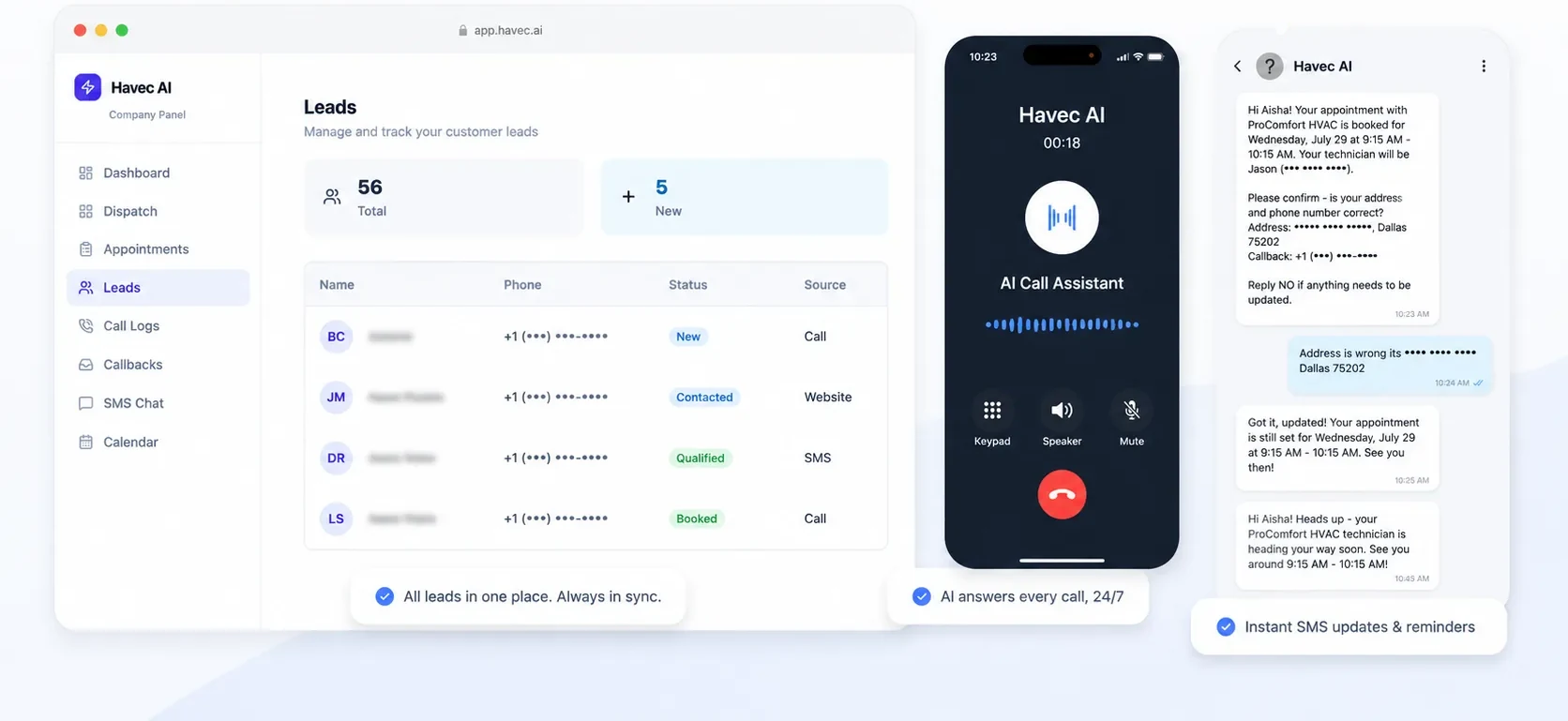


When calls go to voicemail, paid leads can go cold
Home service owners and crews spend the day on site, not at a desk. That makes it difficult to answer every inbound call, respond to a new Facebook or Google lead, and keep the next job moving.
Havec is built for HVAC, plumbing, and electrical contractors first, with a fit for roofing and construction businesses that need calls, enquiries, bookings, and technician routing handled in one workflow.
This is not software you install and configure alone. Havec sets up the call flows, business rules, service areas, technicians, schedules, and follow-up process for you.
How the configured AI receptionist works
- A customer calls your business. Havec answers inbound calls on the first ring, including after-hours demand.
- The AI follows the call flow and business rules configured for your services, service areas, schedules, and technicians.
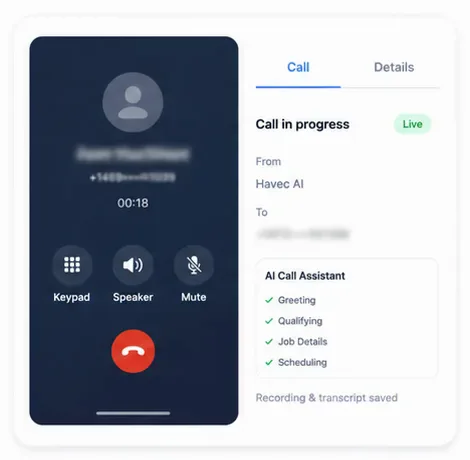
- When the caller has an eligible job, Havec books the appointment while the caller is still on the line.
- If the caller asks for a person, the call can be transferred. Requests the AI should not handle are captured or routed using the rules your business sets.
- When a new Facebook or Google lead arrives, Havec calls back automatically and follows up by text.
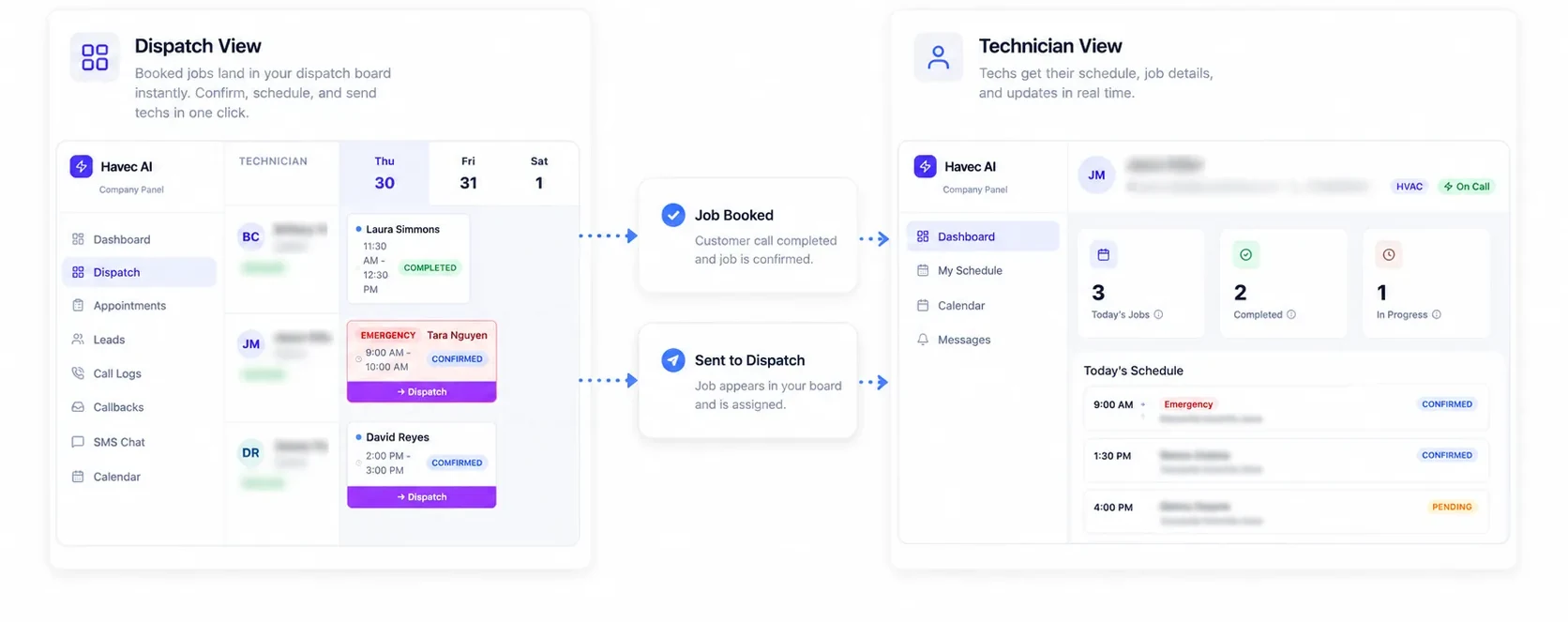
- After a booking, the system keeps the work moving with calendar appointments, dispatch information, technician visibility, SMS confirmations, reminders, and a recording plus transcript of every call.
Setup takes about one week. Havec configures the system with you rather than handing you a blank software account.
What you get from the done-for-you setup
Your configured Havec front office includes:
- Inbound call answering on the first ring
- Booking for eligible jobs while the caller is on the line
- Automatic callback and text follow-up for new Facebook and Google ad leads
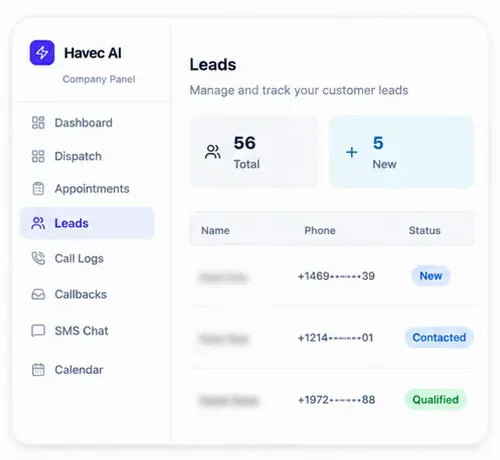
- One leads inbox for calls, texts, and web enquiries
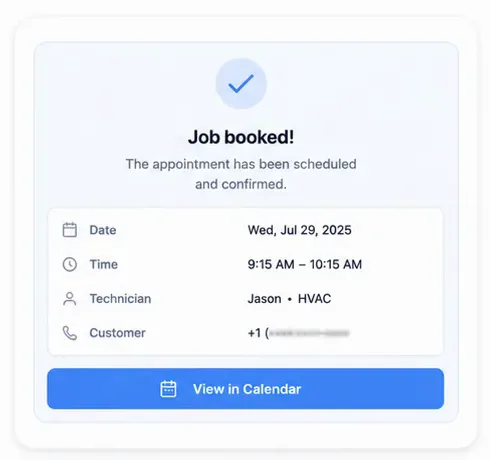
- Appointments on the calendar
- A dispatch board and technician view
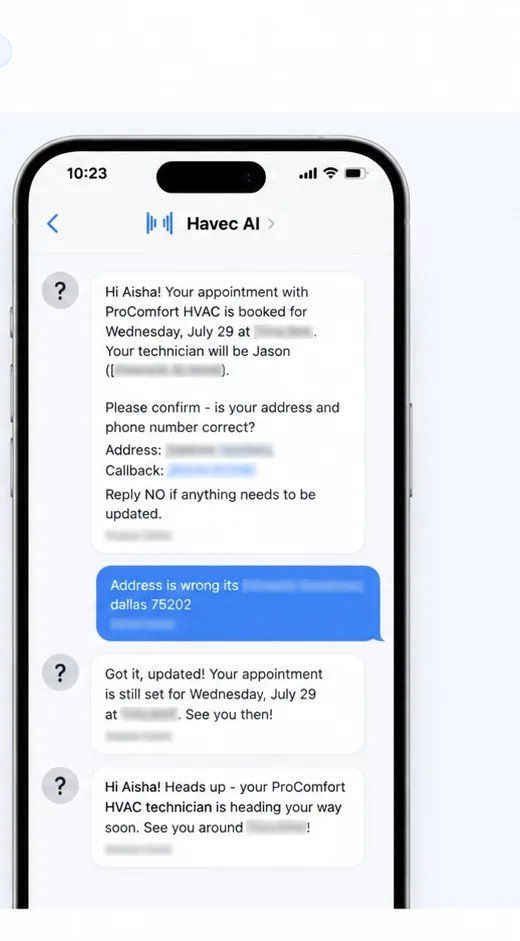
- Automated SMS confirmations and reminders
- A recording and transcript of every call
- Configured call flows, business rules, service areas, technicians, schedules, and follow-up processes
The exact setup is scoped around how your business handles services, areas, schedules, technicians, and calls.
Should you choose software you set up yourself or Havec?
Choose self-serve AI receptionist software if you want to install the product, design the call flows, enter your service rules, configure schedules and technicians, and manage the follow-up process yourself.
Choose Havec if you want those pieces configured for your home service business. It is a done-for-you service, not a blank software account. That distinction matters when the owner and crews are on site and there is no dedicated receptionist to manage the setup.
Havec does not promise to handle every request without rules. Calls outside the configured scope are captured or routed according to the setup, and callers who ask for a person can be transferred.
Who this is for
Havec is for US home service contractors that:
- Run HVAC, plumbing, electrical, roofing, or construction businesses
- Have owners and crews working on site
- Miss calls or send them to voicemail during the day or after hours
- Buy Facebook or Google leads
- Need eligible jobs booked while a caller is still engaged
- Do not have a dedicated receptionist or have an inconsistent one
If you want to manage every configuration step yourself, self-serve software may be the right path. If you want the call flows and operating rules configured for you, book a free 20-minute demo.
See how the setup fits your business
Book a free 20-minute demo. Havec will walk you through the AI live, discuss your services, areas, schedules, technicians, and follow-up process, and tell you exactly what the configured setup costs.
The public commercial commitment is specific: if you receive fewer than 10 booked appointments in your first 30 days, month two is free and Havec keeps working until you reach that threshold.