 Havec AI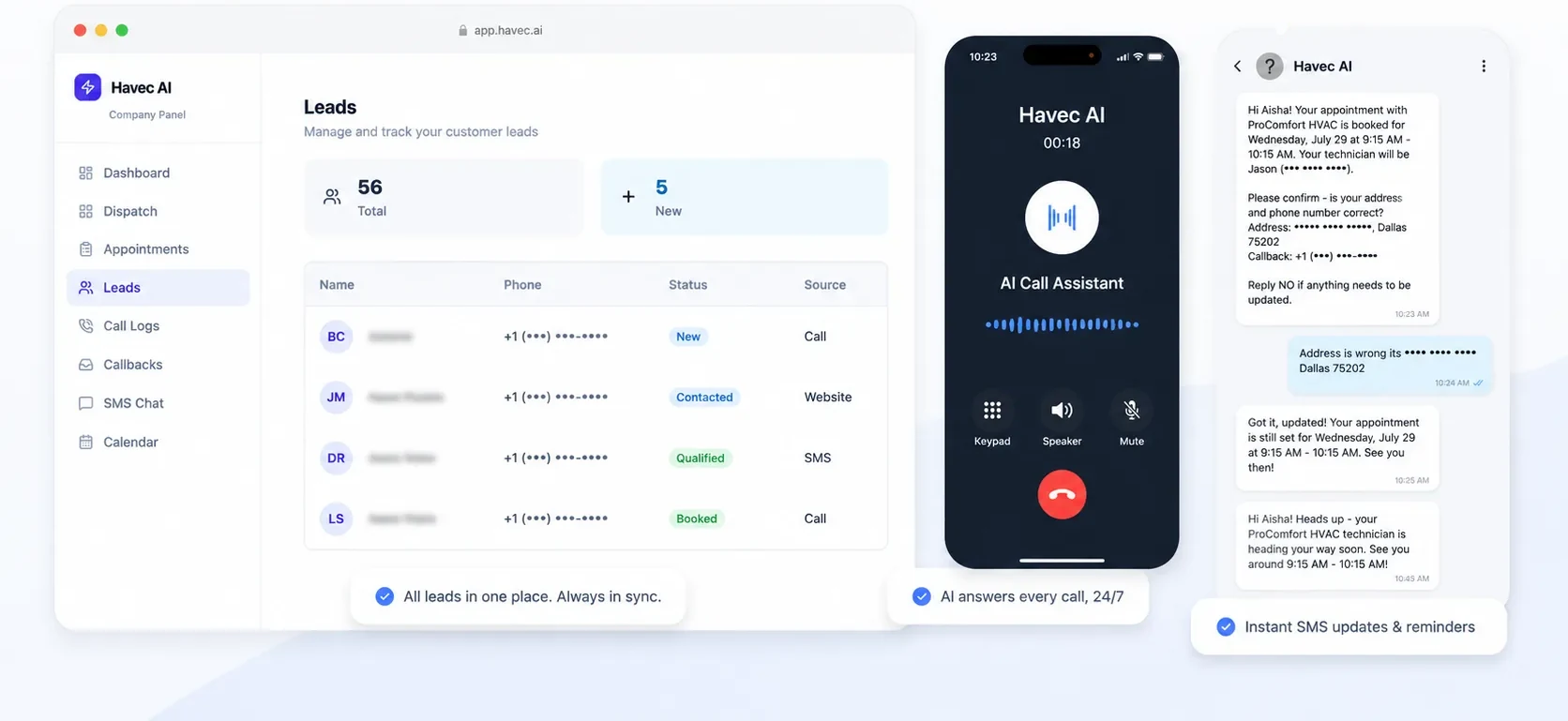


Keep your existing tools. Connect the work that matters.
You may already use Jobber, a CRM, a calendar, and paid lead platforms. The question is not whether you need another disconnected inbox. It is whether new leads, appointments, statuses, and follow-up can move through the tools your team already uses.
Havec connects the systems listed below and configures the surrounding workflow around your business rules. That includes where calls and leads go, what happens after hours, how appointments are assigned, and what follow-up happens after a new enquiry.
What Havec connects today
Each connection is made by the customer through a live OAuth connection in their own Havec settings.
Jobber integrations: New Jobber requests come into Havec as leads. Lead status can be pushed back to Jobber, notes can be added to the request, and requests can be archived. This connection requires an active plan.
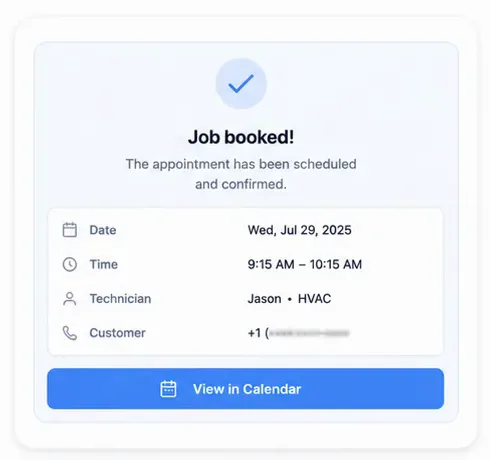
Google Calendar integration: Havec reads existing events and the calendar time zone when checking availability. Booked appointments are created as calendar events and removed when cancelled. Each technician can connect a separate calendar.
GoHighLevel integration: Havec reads contacts, pipelines, and pipeline stages, then syncs leads into the existing pipeline.
Google Ads: Connect your own Google Ads account and Havec provides a webhook URL. Google Ads lead form submissions arrive as leads as soon as someone submits a form, tagged with the Google source. Havec can also send the captured click ID back to Google Ads as an offline conversion.
Facebook Lead Ads: Connect a Facebook Page and Havec subscribes to its lead webhook. Instant-form lead data arrives automatically with the form name.
When your system is not on the list
Bring the system you use to the demo. A connection to another system is scoped on that call before anything is promised.
Havec has not set a price, timeline, or guarantee for custom integration work, so none is stated here. The demo is where the team can understand what data needs to move, which system should remain the source of truth, and how the connection would fit the workflow you want.
The integration is only one part of the workflow
Havec does not leave routing and follow-up on a default. During setup, the call flow, business rules, service areas, technicians, schedules, and follow-up process are configured for how your business actually runs.
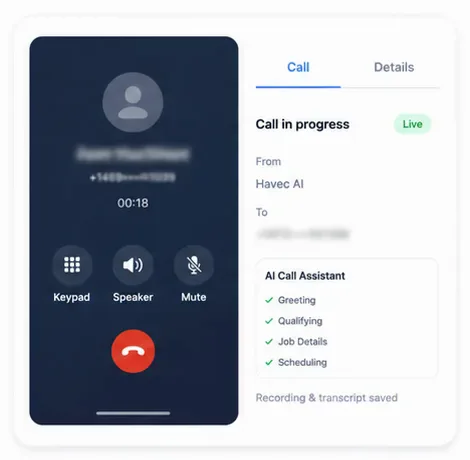
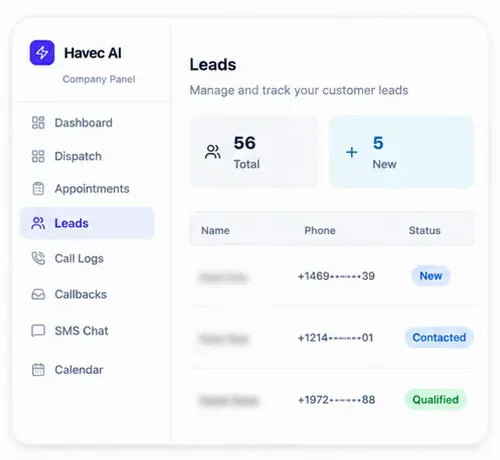
That can include routing inbound calls to the right person or technician, defining the after-hours path, assigning booked work, and sending SMS notifications. New Facebook and Google leads can be called back automatically with text follow-up. Havec also keeps calls, texts, and web enquiries in one leads inbox, with appointments, dispatch information, call recordings, and transcripts available to your team.
Who this fits
This page is for a contractor who already has an operating system and wants to see whether Havec can fit around it. It is especially relevant if your team uses Jobber, GoHighLevel, Google Calendar, Google Ads, or Facebook Lead Ads and wants new enquiries, appointments, and follow-up to reach the right place without changing every tool at once.
See how your setup would work
Book the 20 minute demo and bring the tool you use. Havec will walk through the current connection options, the workflow you want to configure, and what would need to be scoped before any custom connection is promised.